Host your own Github
Recently Microsoft, the owner of github announced, they would scan and use all projects they have for ai training (source: github docs, march 2026).
Well and I honestly don’t like that, its the code of the open source community not of big tech … so I migrated with a few projects a while ago to codeberg, but I was quite annoyed often about their speeds when cloning, sometimes even timing out. So why not just host my own github like interface, the same as codeberg: Forgejo .
Since its your own platform you can make the rules which I kinda like, only me & my projects. No annoying stars that make you feel demotivated if your projects doesn’t get liked etc. You decide the theme, landing page, just everything. Can host giant repos etc. etc.
Note: I finally managed to migrate my server (at least partly) to NixOS, so all steps are for nixos, if you have a more traditional linux distro, ig its not that hard to figure out the equivalent steps and do them manually (although I recommend just switching to nix too ;P)
#
Installing
as expected of nixos this is easy (obviously you need to change here the domain to your own one, and have a matching dns record)
{ lib, config, ... }:
let
  domain = "git.catq.de";
  username = "me";
in
{
  services.forgejo = {
    enable = true;
    database.type = "sqlite3";
    settings = {
      server = {
        DOMAIN = domain;
        ROOT_URL = "https://${domain}/";
        HTTP_ADDR = "127.0.0.1";
        HTTP_PORT = 3000;
        SSH_PORT = lib.head config.services.openssh.ports; # if you use ssh for git cloning
        LANDING_PAGE = "/${username}";
      };
      service.DISABLE_REGISTRATION = true;
    };
  };

  systemd.services.forgejo.preStart =
    let
      adminCmd = "${lib.getExe config.services.forgejo.package} admin user";
      user = username;
      password = "arrow9";
    in

    # important: change that password once logged in!

    ''
      ${adminCmd} create --admin --email "root@localhost" --username ${user} --password "${password}" || true
    '';
}
okay so now we have our forgejo instance, next we want a reverse proxy, for this i picked caddy (again change your domain & mail address in here):
{
  services.caddy = {
    enable = true;
    email = "yourmail@mail.mail"; # you need to fill here a real / real sounding mail, so caddy can automatically obtain the certs ...
    openFirewall = true;
    globalConfig = ''
      admin off
    '';

    virtualHosts."git.catq.de".extraConfig = ''
        reverse_proxy http://localhost:3000 {
            header_up X-Real-IP {remote_host}
          }
      '';
  };
}
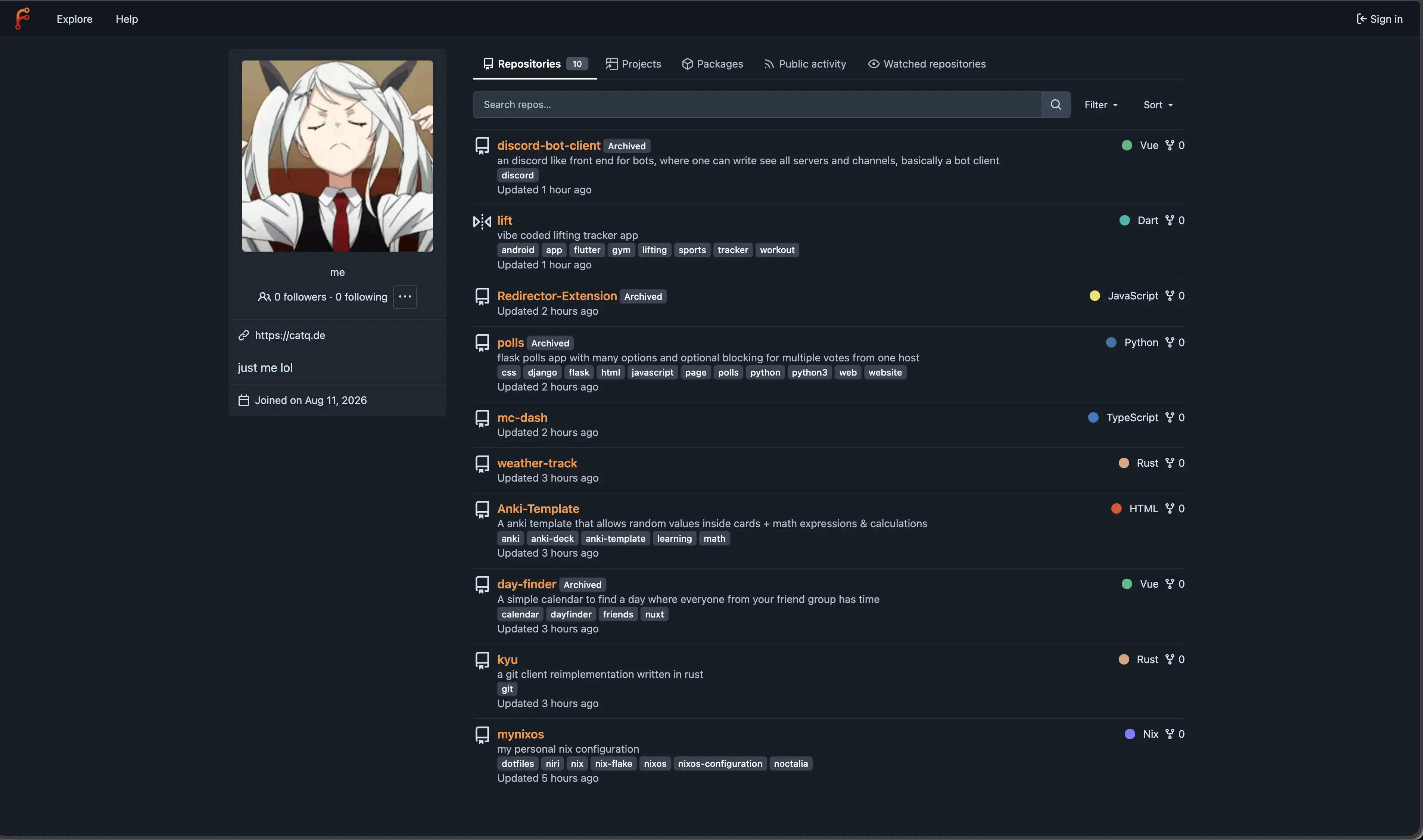
then wire everything together by importing both modules in your configuration.nix. and rebuild, now you should have your own forgejo instance running on your domain. open it in a browser, login and change your password!
#
Protecting it from AI Scrapers
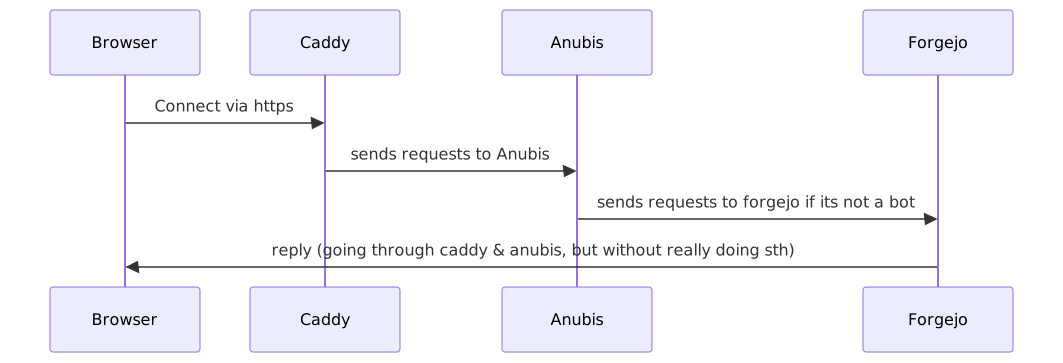
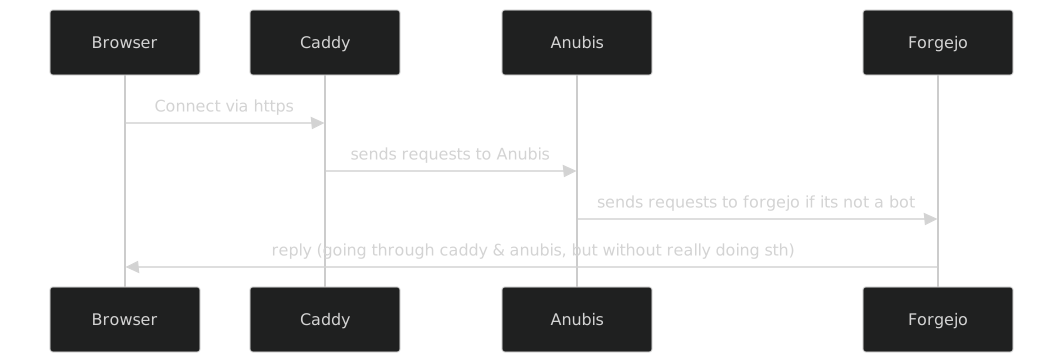
so now that we have it running, lets protect it from annoying ai bots etc. for this I’m going to use Anubis
{
  services.anubis.instances.forgejo = {
    settings = {
      BIND = "127.0.0.1:8923";
      BIND_NETWORK = "tcp";

      TARGET = "http://127.0.0.1:3000";

      SERVE_ROBOTS_TXT = true;
      DIFFICULTY = 4;
    };

    policy.extraBots = [
      # so normal https git clone works
      {
        name = "forgejo-git-info-refs";
        path_regex = "^/[^/]+/[^/]+\\.git/info/refs$";
        action = "ALLOW";
      }
      {
        name = "forgejo-git-upload-pack";
        path_regex = "^/[^/]+/[^/]+\\.git/git-upload-pack$";
        action = "ALLOW";
      }
      {
        name = "forgejo-git-receive-pack";
        path_regex = "^/[^/]+/[^/]+\\.git/git-receive-pack$";
        action = "ALLOW";
      }
    ];
  };
}
note about the few rules I added, they allow that clients can simple download repos via https, this is a hole in the bot protection, but imo here convenience is more important, as git cli cant solve the anubis challenges. and honestly for a scraper to make use of this, they need to know the path etc beforehand, guess it makes it easier for them, still ig its okay.
and change inside modules/caddy.nix, the reverse proxy line to:
reverse_proxy http://localhost:8923 {and lastly include the anubis module as well in your imports in configuration.nix
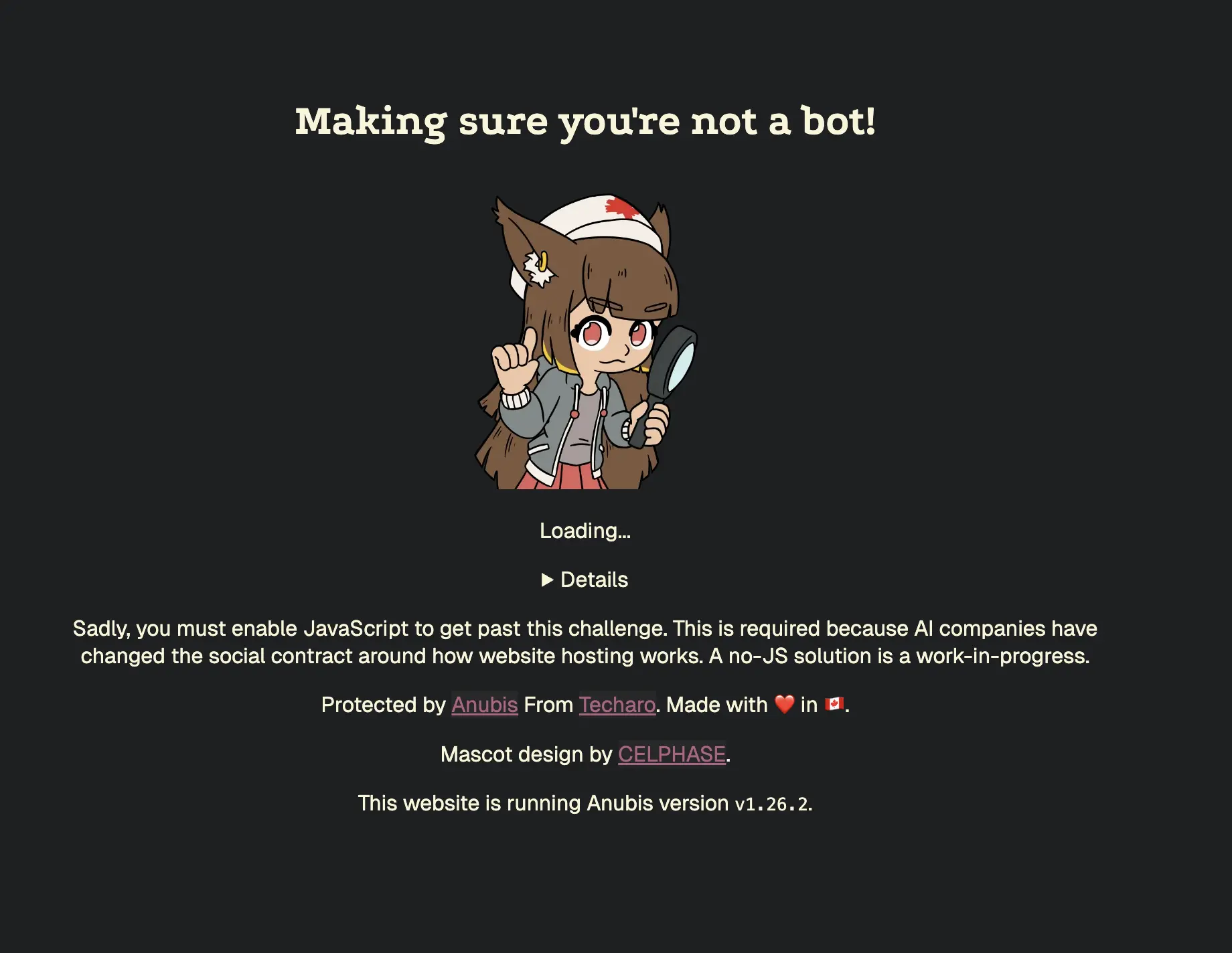
so now when you want to open your forgejo instance, you’ll be greeted with this which takes less than 1s usually if you have js enabled but lets your pc solve a small challenge. also this will only appear the first time, not for every connection you make, so its kinda convenient.
honestly this won’t protect you if someone really wants to scrape your stuff, but it makes the cost massivly higher, e.g.
before: AI Company makes 10,000,000 requests and scrapes tons of stuff, in effictly no time, now each requests takes them 0.5s => ~1400 cpu hours for the same workload and normal visitors don’t really feel it, its the same logic like behind passwords, for it to be hashed and verified takes maybe 0.01s, but if you want to brute force them (im talking about modern algorithms) you need to try billions or more combinations, which then takes quite a while and computing effort.
git selfhosting forgejo github nix
786 Words
2026-08-11 13:09 (Last updated: 2026-08-13 08:19)
9f9a637 @ 2026-08-13